
How to Integrate Tabby and Tamara Into Your Store or App
Nabeel Al Nassir
November 13, 2026
8 Min read

Integrating Tabby and Tamara means adding buy now, pay later as a payment option in your online store or app, so customers can split a purchase into instalments while you receive the payment upfront, less the provider's fees. For UAE and Saudi merchants, this is done either through ready-made plugins for platforms such as Shopify, WooCommerce, Magento and Salla, or through each provider's checkout API, webhooks and mobile SDKs in a custom store or app.
What Is Buy Now, Pay Later at Checkout?
Buy now, pay later lets a customer pay for a purchase in instalments, for example splitting it into four payments, without the merchant waiting for the money. The BNPL provider approves the customer, takes on the repayment risk and settles the order amount to the merchant, minus a merchant fee. For the customer, it appears as another payment method at checkout, alongside cards and Apple Pay.
Tabby and Tamara are the two best-known BNPL providers for merchants in the UAE and Saudi Arabia, and many stores offer both. This guide is about adding them as payment options. Building your own instalment or lending product is a different and regulated undertaking; our guide to BNPL app development in the UAE explains what that involves.
Why Merchants Add Tabby and Tamara
Shoppers in the Gulf are used to seeing instalment options on fashion, electronics, furniture, beauty and travel purchases. Showing the instalment amount on the product page, such as four smaller payments instead of one large price, makes higher-value items easier to say yes to. Merchants typically add BNPL to raise conversion on larger baskets, increase average order value and compete with stores that already offer it.
The trade-off is cost: the merchant pays a fee on BNPL orders, usually higher than card processing. That is why the integration should be planned around where BNPL helps most, often above a certain basket size or on specific categories, rather than simply switched on everywhere. Both providers also set their own minimum and maximum order values and decide which customers are eligible.
Before You Integrate
Both providers require the merchant to register, pass a business review and agree commercial terms before receiving live API keys. Expect to provide the trade licence, company and owner details, bank account information and a live store with clear terms, refund and privacy policies. Sandbox credentials let developers build and test before approval comes through.
Check market coverage at the start. Tamara serves several GCC markets, including the UAE and Saudi Arabia. Tabby operates separate merchant dashboards for the UAE and Saudi Arabia, and some platform integrations are limited to one market; Tabby's own documentation notes that its Salla integration supports Saudi Arabia only, with SAR as the currency. If you sell in more than one country, confirm which currencies and markets each integration route supports for your account.
Plugin Integrations for Common Platforms
Most merchants on a hosted or popular platform start with the provider's official plugin or platform integration. Tabby lists integrations for Shopify, Salla, Zid, WooCommerce, Magento 2, OpenCart, Salesforce Commerce Cloud and other regional platforms. Tamara provides plugins for Shopify, WooCommerce, Magento, OpenCart, PrestaShop and Salesforce Commerce Cloud, and integrates with Salla and several payment gateways.
Plugins handle the core checkout, but they still need care. Tabby's Shopify integration, for example, depends on Shopify webhooks to update order numbers and order lines, and those webhooks are tied to Shopify API versions that expire over time, so they need updating periodically. Plugins can also behave differently from your other payment methods around inventory reservation, order editing and refunds. Test the full order lifecycle on your platform, including partial refunds and cancellations, before going live. If you are still choosing a platform, our comparison of Shopify, Salla and custom e-commerce for the UAE and Saudi Arabia covers how they differ.
Custom Integration for Your Own Store or App
Stores built on a custom stack, such as Laravel or Next.js, and native shopping apps integrate through each provider's APIs. The general flow is similar for both. Your back end creates a checkout session with the order details: amount, currency, items, customer phone and email, shipping address and your redirect URLs. The customer is sent to the provider's hosted flow, or shown it inside the app, where they are checked for eligibility and approve the instalment plan. The provider then returns the customer to your success or failure page.
What happens next decides whether the integration is reliable. With Tamara, an approved order is authorised and then captured, usually when the order ships, so your system must call capture at the right point in fulfilment. Tabby payments also move through defined statuses, with capture and refunds handled through its API or dashboard. In both cases, your system should rely on webhooks sent from the provider to your server, verified as genuine, to update order status, rather than trusting what the customer's browser or app reports. Tabby's documentation, for example, lists ways to secure webhook notifications, including allow-listed IP addresses and an authorisation header.
Tamara also offers a pre-checkout eligibility API, which lets you decide whether to show the payment option before the customer reaches checkout, and both providers support refunds, partial refunds and disputes through their APIs. Building idempotency into webhook handling, so a repeated notification does not capture or refund twice, prevents the most common reconciliation errors.
Inside a Mobile Shopping App
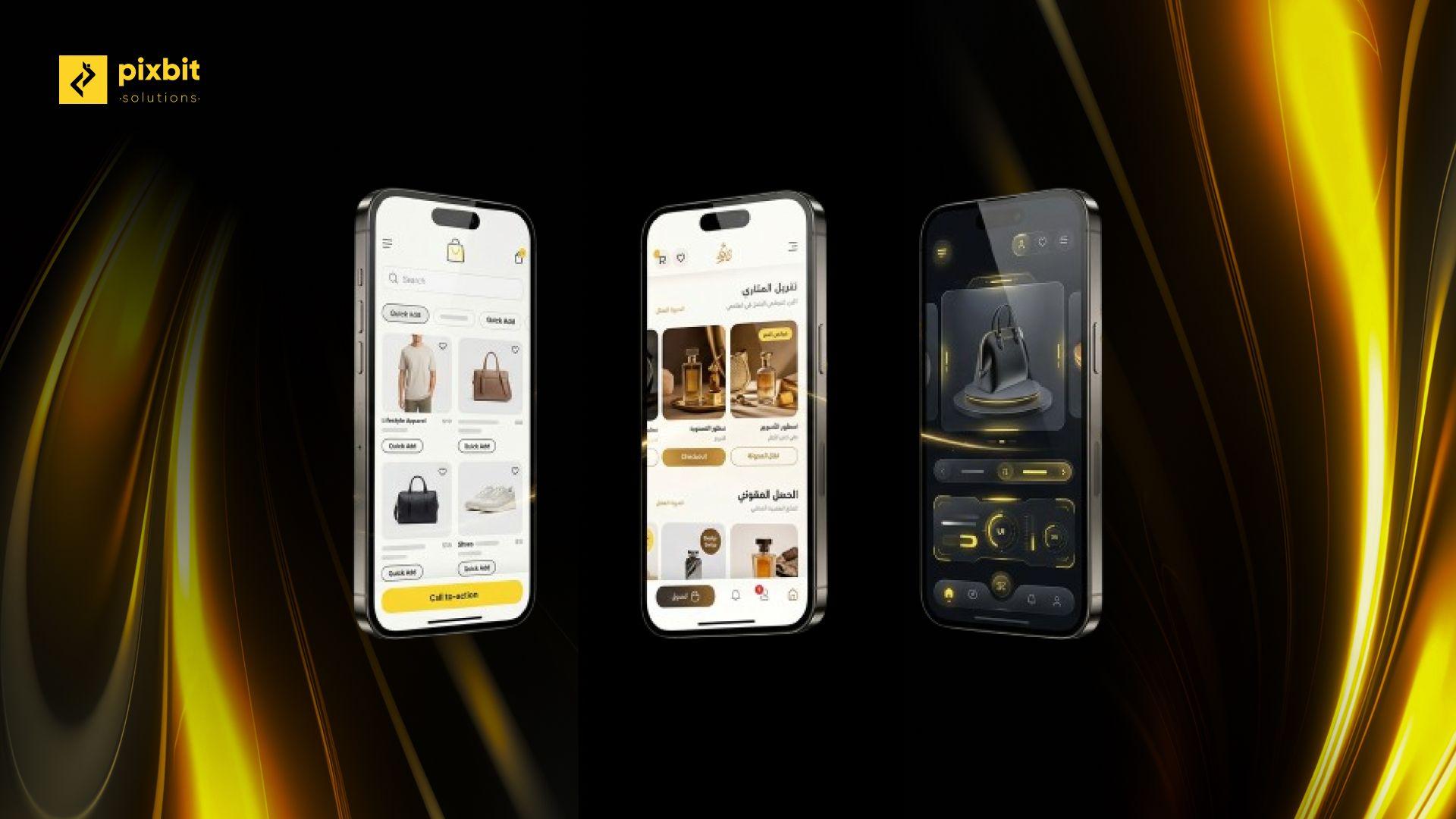
For iOS and Android apps, both providers publish mobile SDKs or examples, including support for Flutter and React Native in Tamara's case. The app typically asks your back end to create the checkout session, opens the provider's flow in a secure web view or SDK screen, and returns to the app's order confirmation once the back end has confirmed the result through a webhook. Keep the session creation and capture on your server, never in the app, so API secrets are not exposed.
Product-page messaging matters as much as checkout in an app. Showing the instalment amount under the price, and a short explanation screen in Arabic and English, is where most of the conversion effect comes from. Our guide to e-commerce mobile app features covers how instalments fit alongside cards, Apple Pay and cash on delivery.
On-Site Messaging and Arabic Layouts
Both providers supply widgets or snippets that show instalment amounts on product and cart pages. Place them close to the price, keep them consistent with the final checkout amount, and test the Arabic right-to-left versions as carefully as the English ones. Messaging that promises instalments on items that turn out to be ineligible at checkout frustrates customers, so align the widget rules with the provider's order limits and your own category rules.
Reconciliation, Refunds and Accounting
Every BNPL order should reconcile cleanly: the order total in your store, the captured amount at the provider and the settlement that arrives in your bank account, less fees. Build a settlement report or import that matches provider settlements to orders, and record merchant fees correctly in accounting. Refunds should flow from your store or admin panel to the provider automatically, including partial refunds for returned items, and should update the tax invoice or credit note at the same time. Our UAE e-invoicing ERP integration guide explains how invoices and credit notes connect to your accounting system.
Choosing Where to Offer Instalments
Not every product or basket benefits from BNPL. Low-value, frequently bought items rarely need instalments, and the merchant fee eats into thin margins. Higher-value categories, such as electronics, furniture, fashion collections, jewellery, beauty sets and travel packages, are where instalments change buying decisions. Many merchants show the option only above a basket threshold that sits inside the provider's limits, and promote it most on the categories where average order values are highest.
Offering both Tabby and Tamara gives customers a choice and improves the chance that at least one approves them, but it doubles the integration, testing and reconciliation work. Merchants starting out often launch with one provider, measure conversion and average order value on eligible baskets against a period without BNPL, and add the second provider once the numbers justify it. Whichever approach you take, track BNPL orders separately in analytics so you can see their effect on conversion, return rates and margin after fees, rather than judging the integration on sales volume alone.
Testing Before Launch
Use each provider's sandbox and test scenarios to cover approved, rejected and abandoned checkouts, captures, full and partial refunds, cancellations before capture, webhook retries and currency or country mismatches. Test on real devices in both languages, and confirm that order numbers, customer details and amounts match across your store, the provider's merchant dashboard and your accounting system.
Summary
Frequently Asked Questions
What is buy now, pay later?
Buy now, pay later lets customers split a purchase into instalments while the merchant receives the order amount upfront from the provider, less a merchant fee.
Can I offer both Tabby and Tamara in my store?
Yes. Many UAE and Saudi stores offer both as separate payment methods, each with its own merchant account, plugin or API integration and eligibility rules.
Does Tabby work on Salla in the UAE?
Tabby's documentation states that its Salla integration supports Saudi Arabia only, with SAR as the currency. Check current coverage with Tabby for your account.
How do I add Tabby or Tamara to a custom app?
Your back end creates a checkout session through the provider's API, the app opens the provider's flow, and your server confirms the result through verified webhooks before showing the order as paid.
When is a Tamara order captured?
Tamara orders are authorised when the customer approves and captured later, usually when the order is fulfilled, so your system must call capture at the right point.
Do BNPL orders need tax invoices?
Yes. A BNPL order is a normal sale for VAT purposes, so it needs a tax invoice, and refunds need matching credit notes.
Add Instalments to Your Checkout
As an e-commerce app development company in Dubai, Pixbit integrates Tabby, Tamara and UAE payment gateways into custom stores, Shopify and Salla setups and native shopping apps, with verified webhooks, capture logic, refunds and settlement reconciliation built in. Pixbit scopes in a single discovery session.

Nabeel Al Nassir
Digital Marketer
Share on
Have an idea that needs to go mobile? Launch it with us!
Have an idea that needs to go mobile? Launch it with us!
Let's Talk
You May Also Like
Explore insightful articles and tips from our experts on the latest trends in web development and marketing.



Have an idea ?
Let's make it happen
Tell us your business aspirations, and let's craft a custom solution that drives business growth, ensuring satisfaction and exceeding your goals with precision.
Let's Talk